Paqira - Dynamic Artwork, More Time to Design


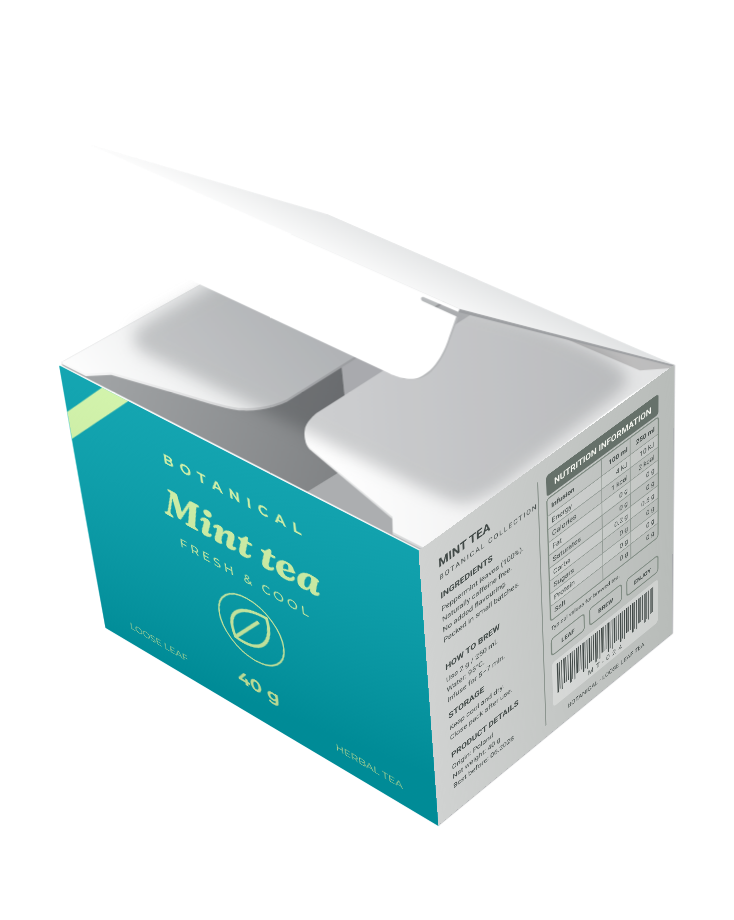



Create artwork that adapts as your data changes
Packaging variants
Different markets, languages and product versions.
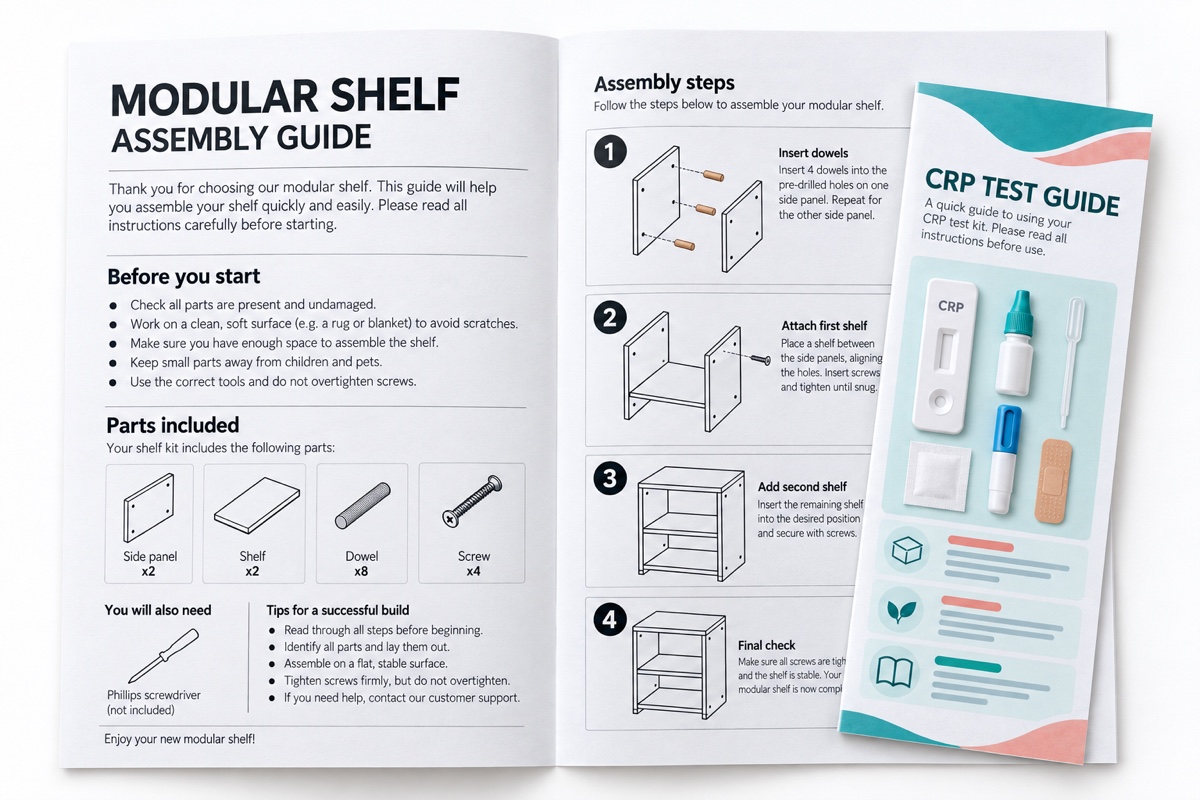
Product guides and instructions
From simple text leaflets to illustrated guides.

Personalized materials
Artwork tailored to each person, customer or organization.

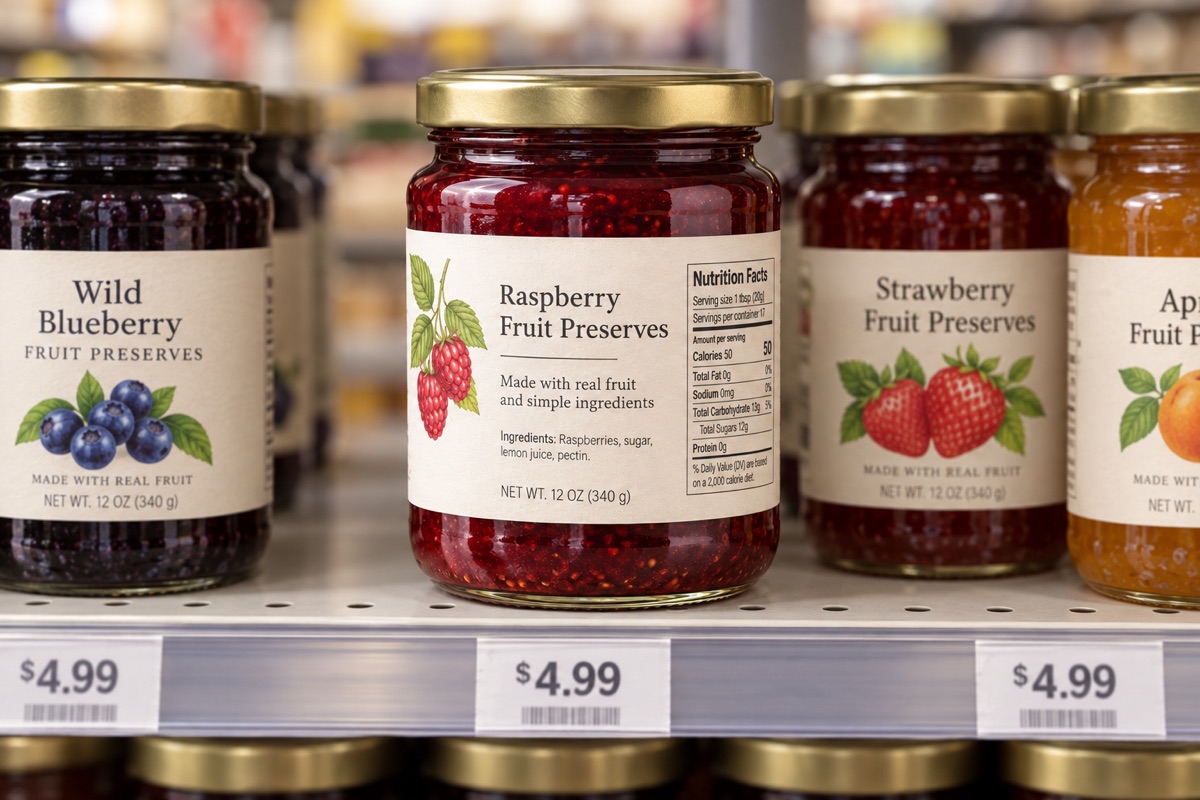
Collections from data
Reusable designs for collections with changing content.

Posters and campaign variants
One creative direction, many content versions.
Paqira Demo
Explore a collection of sample designs, data and scripts in one dedicated workspace.
Complete artwork automation for every way of working
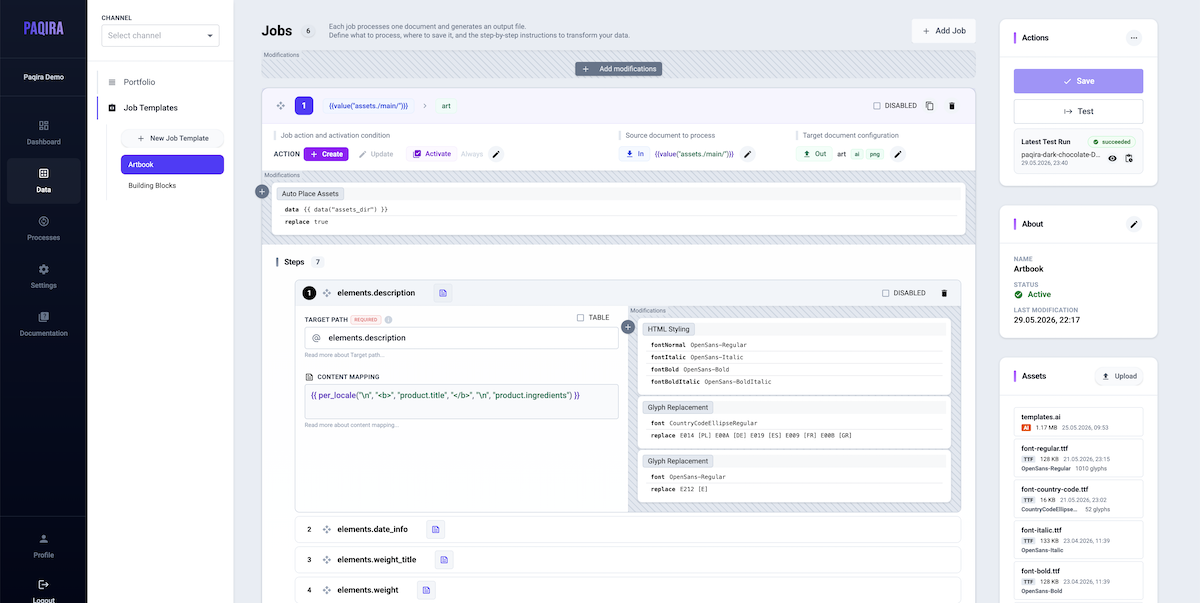
From shared content to finished artwork
Bring your team's product data, design resources and production work together in Paqira Manager. Prepare reusable workflows, then let Paqira Workstation run them in Adobe Illustrator on your connected computers.
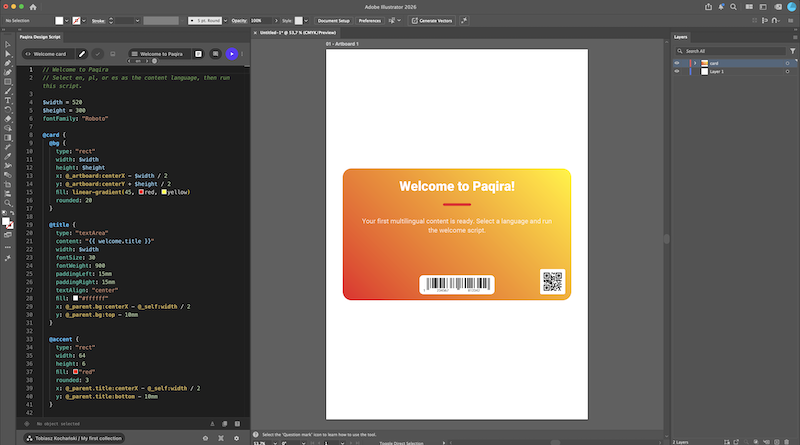
Everyday artwork tools inside Adobe Illustrator
Work on your artwork where you already design. Paqira Plugin connects your document with product data and reusable Design Scripts, helping you prepare different versions and reduce repetitive edits.
Paqira Design Script
A simple language for designers, artists and artwork teams.
Paqira Design Script is designed to be simple and readable. Use it to work with product data, calculate sizes and positions, and create or update artwork in Adobe Illustrator. Reuse the same rules with new content to save time on repetitive edits and help keep your designs consistent.
Calculations
Calculate dimensions, spacing and positions using formulas and measurements from your artwork.
Use your data
Insert product text and values, repeat elements for a list of items and choose what to show based on your data.
Create and update artwork
Create text and shapes, update existing elements and set their colors, sizes and positions.
Download the plugin and start creating with Paqira Design Script. The guide built into the plugin will walk you through your first steps.
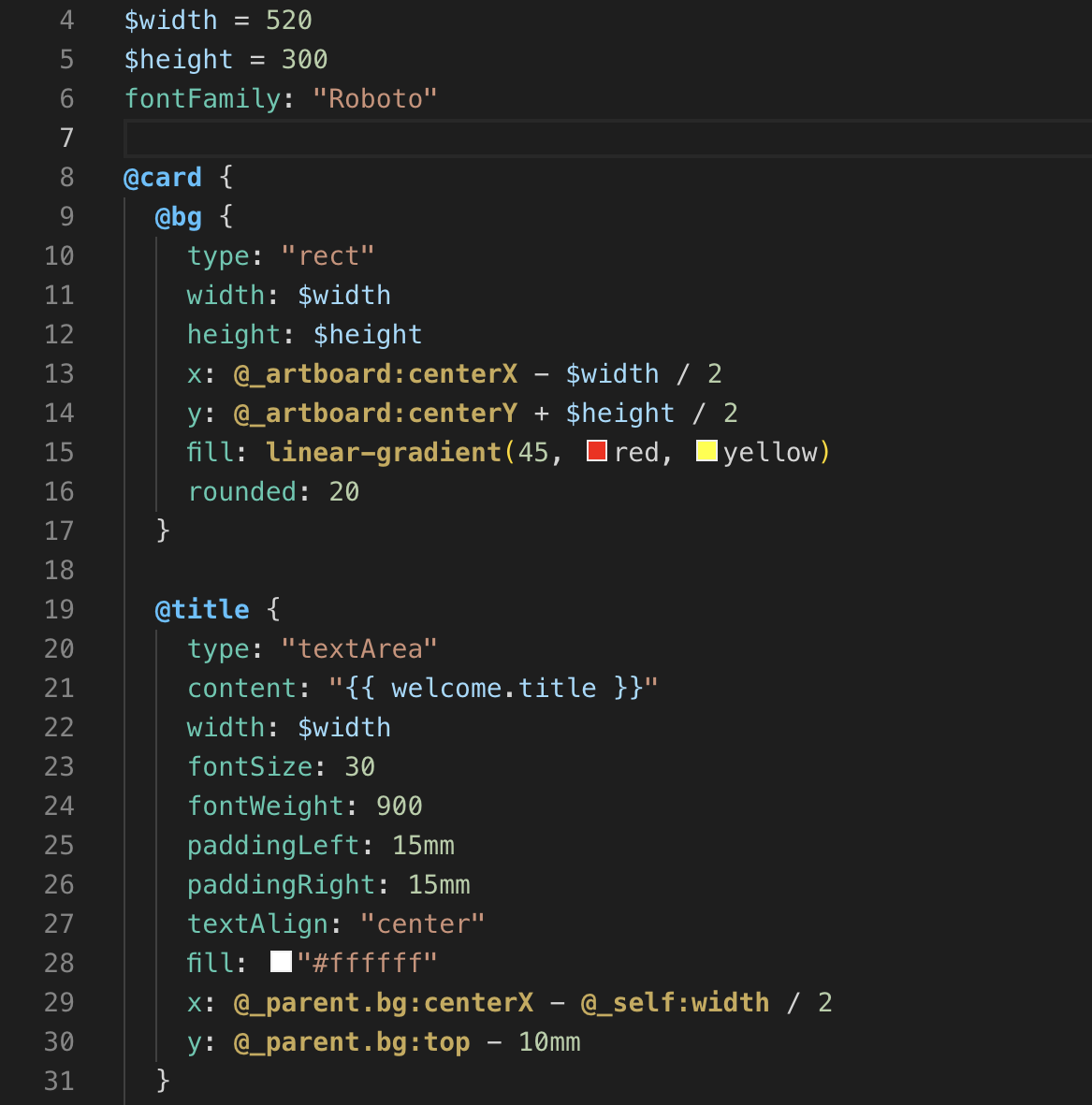
Design once. Reuse, automate and review.
Your files. Your production. Your control.
Choose where your artwork files live and where production runs. Keep both on infrastructure you operate, with control over your data and the files you deliver.
Your storage
Keep artwork and results in storage you control. Connect your own S3-compatible storage or choose Paqira storage.
Your workstations
Use your own Mac or Windows computers for Illustrator production, keeping the working environment in your hands.
Your output
Get files ready for the next step in AI, PDF or PNG. Decide how they are named, where they are saved and which are uploaded.
Create artwork that adapts
Keep your creative direction while reducing the repeated edits needed for changing content.
 System Plugin
Paqira Design Script
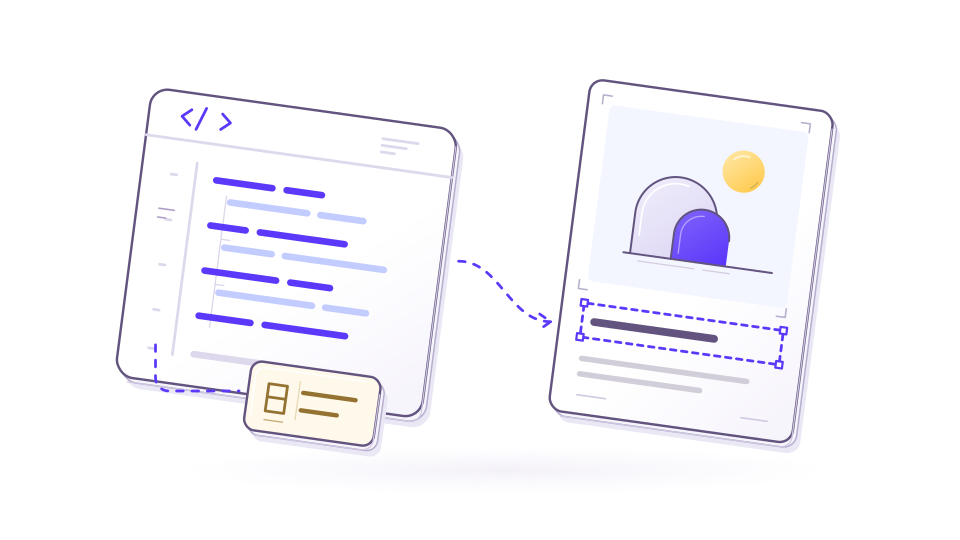
Set up how your artwork should use product data, update text and adjust sizes and positions. Reuse those rules with new content to reduce repetitive edits and help keep each result consistent.
Tools involved
- Paqira Plugin
- Paqira Manager
- Paqira Workstation
 System Plugin
Layouts that follow your content
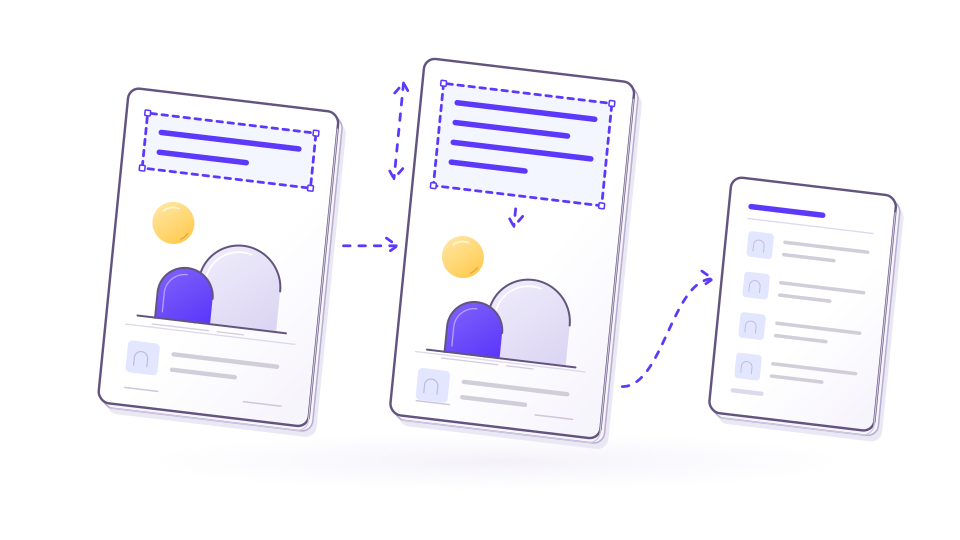
Keep layouts organized when text gets longer or the amount of content changes. Reduce manual resizing and repositioning, with long lists continuing onto additional pages.
Tools involved
- Paqira Plugin
- Paqira Workstation
 System Plugin
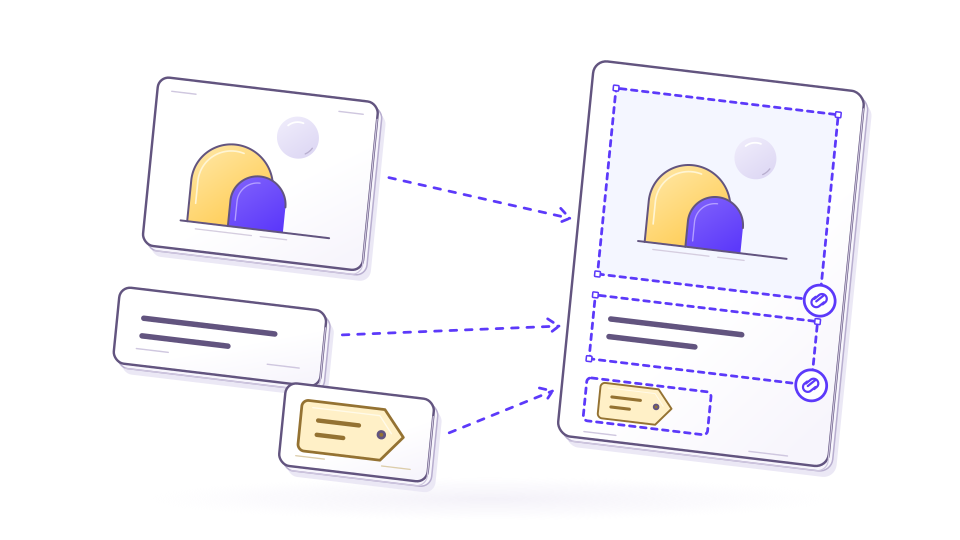
Reusable artwork snippets
Build a recurring design element once and use it across projects. Keep inserted elements linked for later updates, or preserve a fixed version when the design needs it.
Tools involved
- Paqira Plugin
- Paqira Manager
- Paqira Workstation
 System Plugin
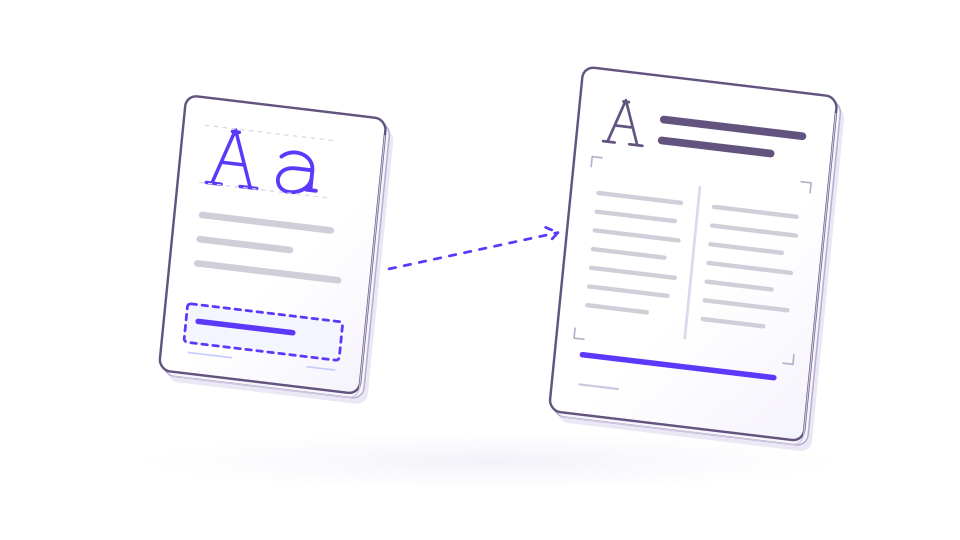
Consistent, readable text
Keep headings, emphasis and text styling consistent as the wording changes. Present longer content in columns without formatting every text block by hand.
Tools involved
- Paqira Plugin
- Paqira Workstation
 Plugin
Shortcuts for everyday artwork tasks
Save time on small tasks that interrupt design work. Create QR codes and barcodes, arrange items in a grid or place multiple graphics with ready-made actions.
Tools involved
- Paqira Plugin
 Plugin
AI help with artwork setup
Get help preparing existing artwork for automation. Connect content, organize design elements and turn a starting design into reusable rules with less manual setup.
Tools involved
- Paqira Plugin
Keep data and design resources together
Spend less time finding, copying and checking information across files and teams.
 System Plugin
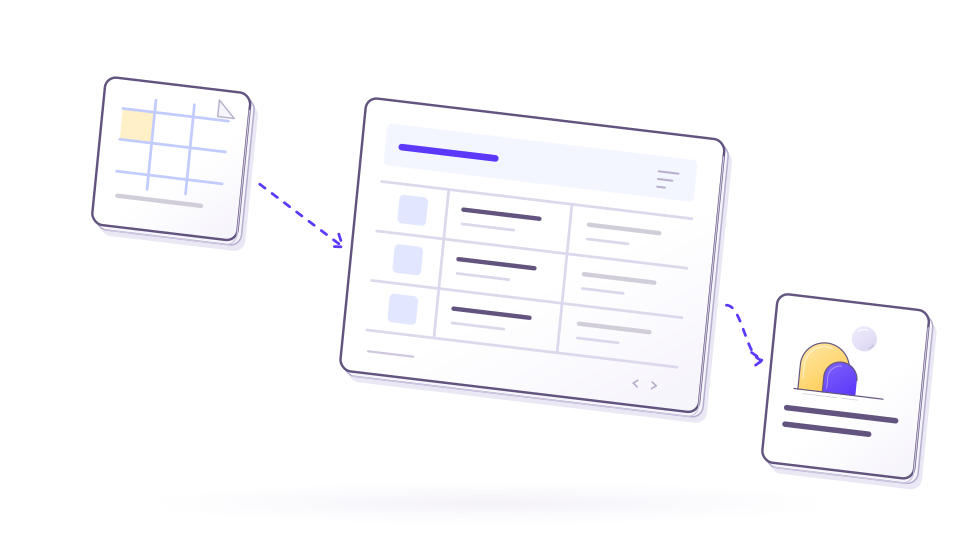
Your content in one place
Find and update product details and language versions together. Bring in existing spreadsheets so your team can work with the content it already has instead of typing it again.
Tools involved
- Paqira Manager
- Paqira Plugin
 System Plugin
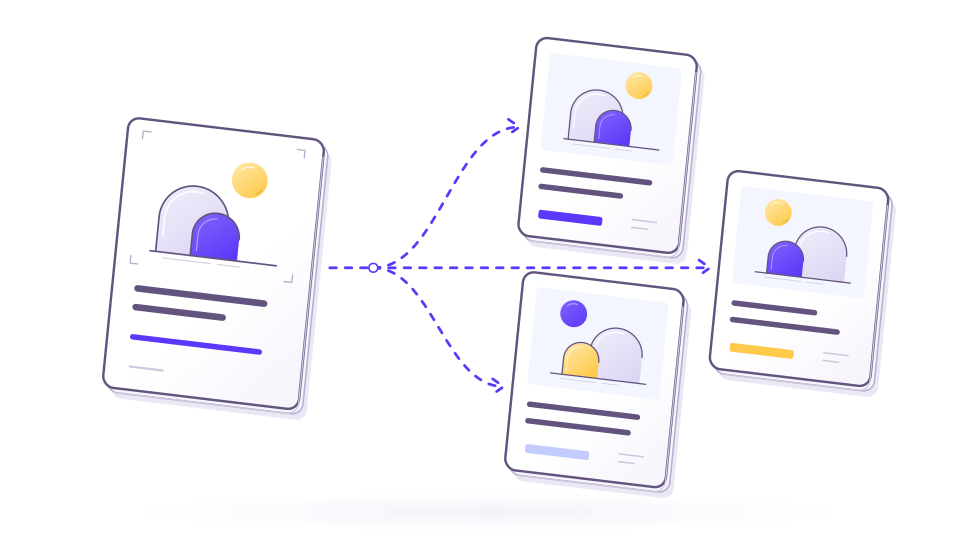
One item, many variants
Prepare language and market versions from the same design. Preview each version before producing the full set, so you can catch differences early and reduce rework.
Tools involved
- Paqira Manager
- Paqira Plugin
- Paqira Workstation
 System Plugin
Shared Library and brand resources
Give the team one place to find and reuse logos, graphics, fonts, colors and symbols. Keep brand resources consistent across projects and spend less time searching for files.
Tools involved
- Paqira Manager
- Paqira Plugin
- Paqira Workstation
 System Plugin
Prepare content for more markets
Translate product content where you already manage it. Save time preparing additional languages and keep existing translations when they do not need to change.
Tools involved
- Paqira Manager
- Paqira Plugin
 System
Clear access and accountability
Choose who can work in each workspace and see who changed what. Keep responsibilities clear when colleagues and guests contribute to the same project.
Tools involved
- Paqira Manager
 System
Connect with the systems you already use
Reduce manual transfers between your business systems and artwork production through an API integration. Keep Paqira connected to your existing process. API access is available on request.
Tools involved
- Paqira Manager
Take artwork through production and review
Move from prepared content to finished files and clear feedback with fewer manual handoffs.
 System
Repeatable production, from one item to a batch
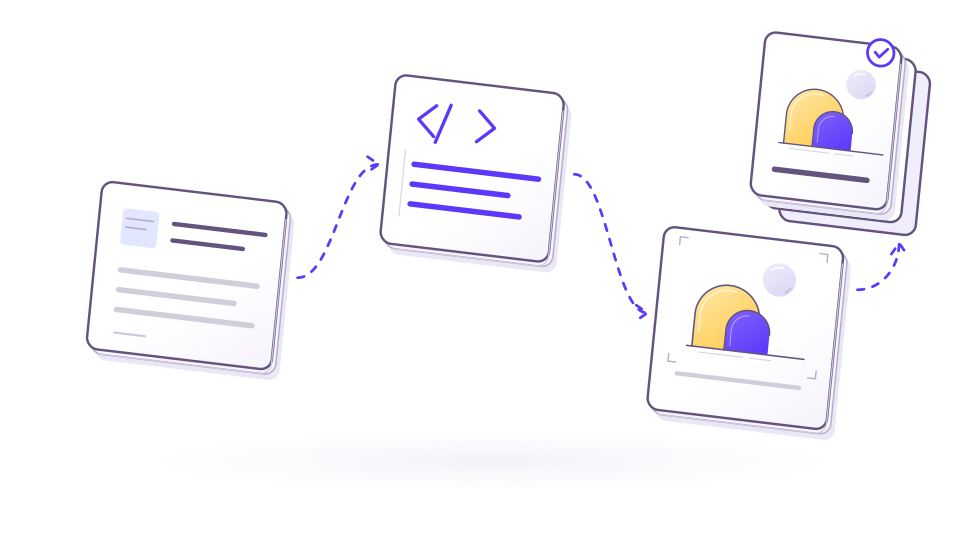
Set up a production sequence once and reuse it for individual items or whole collections. Reduce manual handoffs between steps as your volume of artwork grows.
Tools involved
- Paqira Manager
- Paqira Workstation
 System
Know what is ready and what changed
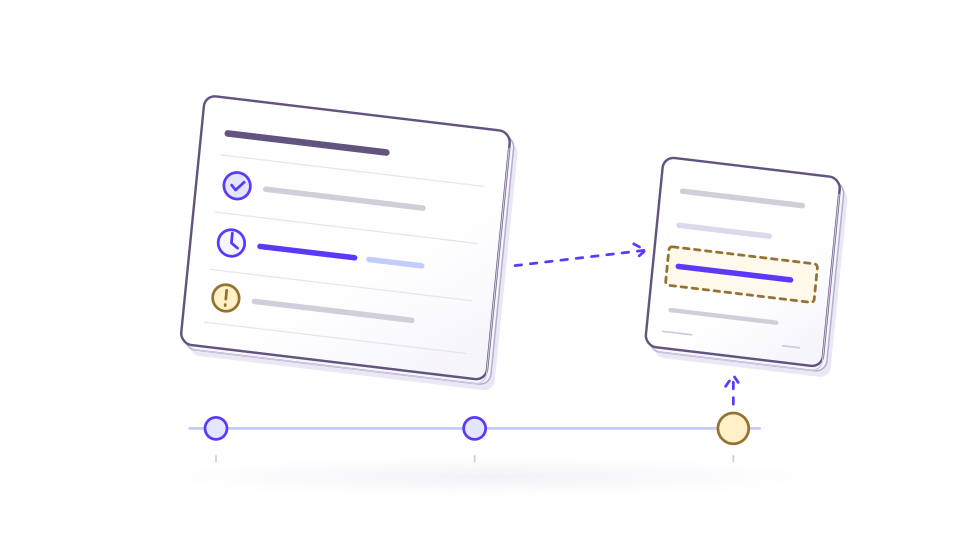
See how production is progressing and where attention is needed. Check what changed since an earlier run to understand which artwork may need an update.
Tools involved
- Paqira Manager
- Paqira Workstation
 System
Clear feedback, fewer scattered conversations
Share artwork previews and collect comments on the exact area being discussed. Keep replies and resolved issues together across versions, so feedback is easier to follow.
Tools involved
- Paqira Manager
- Paqira Review
Support for the system, the plugin and what comes next.
System support
Help with workflows, workers, API usage, data mapping and production blockers.
Plugin support
Guidance for Illustrator setup, syntax, file updates and artwork-specific edge cases.
Custom improvements
Rules, integrations and generation steps can be adapted to your real process.
Product ideas
We are open to improvement proposals when they make automation more useful.